
Your computer screen sees a lot—fingerprints, dust, and the occasional sneeze. But cleaning it the wrong way can cause streaks, scratches, or even damage. Here’s how to do it safely:
- Turn off your monitor and unplug it.
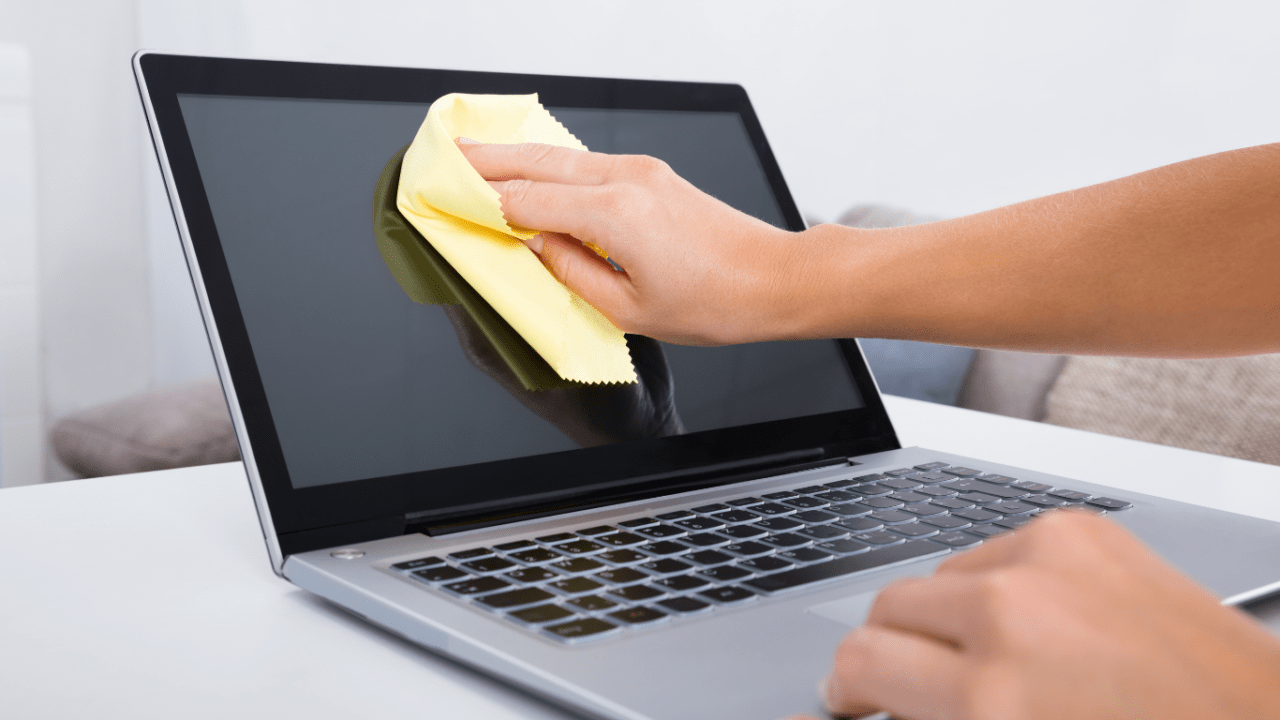
- Use a dry microfiber cloth—never paper towels or old T-shirts.
- Wipe gently in circular motions.
- For stubborn spots, lightly dampen the cloth with water or a 70% isopropyl alcohol mix.
- Never spray directly onto the screen.
Regular cleaning not only improves visibility but also extends the life of your display. It’s a small habit that makes a big difference.
Here’s what it should look like:
At MTNCS, we’re all about practical tech care—because good maintenance starts with the basics. Stay tuned for more tips tomorrow!
Or you can click here to check out a product I recommend from Amazon.